The native GitLab app
for your iPhone.
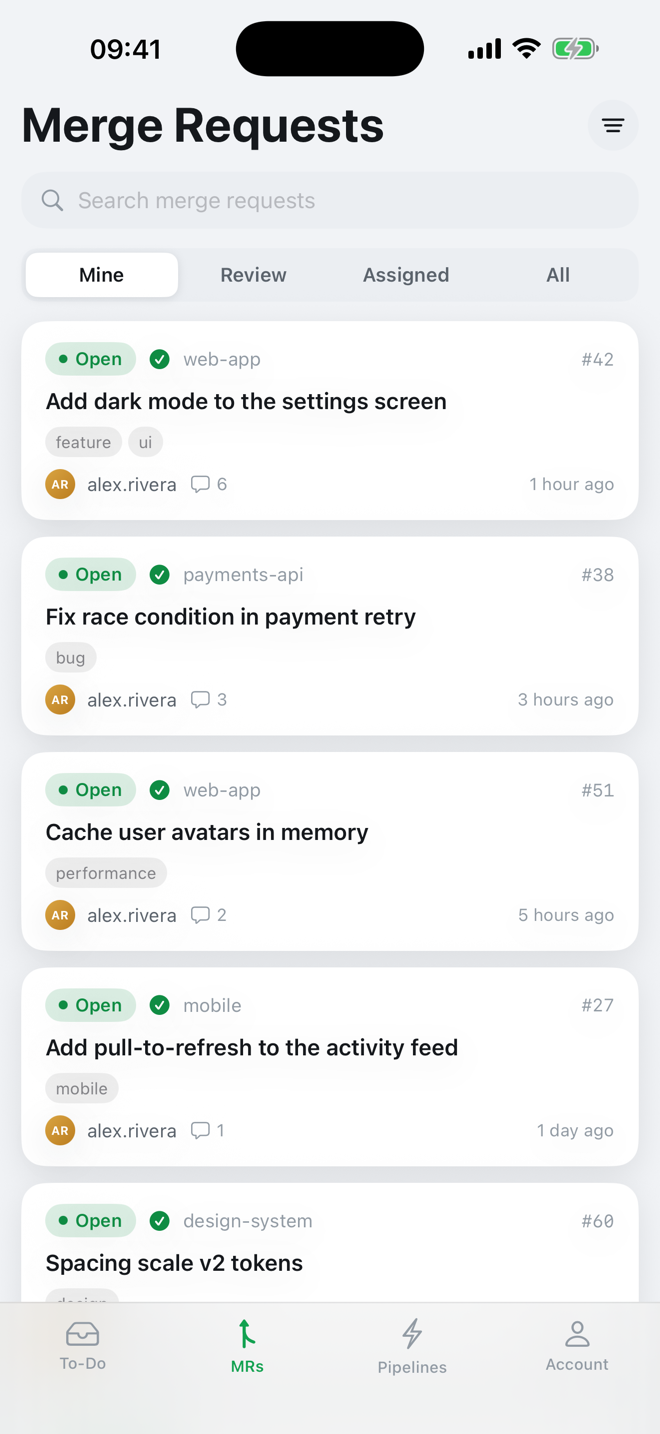
Greenlight is a free GitLab iPhone app. Track merge requests and CI/CD pipelines from your pocket, with a push the moment a build fails or passes.

Requires iOS 17 or later · works with gitlab.com · an unofficial GitLab client
Built for reviewing code and watching CI on the go
GitLab doesn't ship a native iPhone app, so Greenlight is one, built iOS-first rather than a cross-platform wrapper.
Merge requests
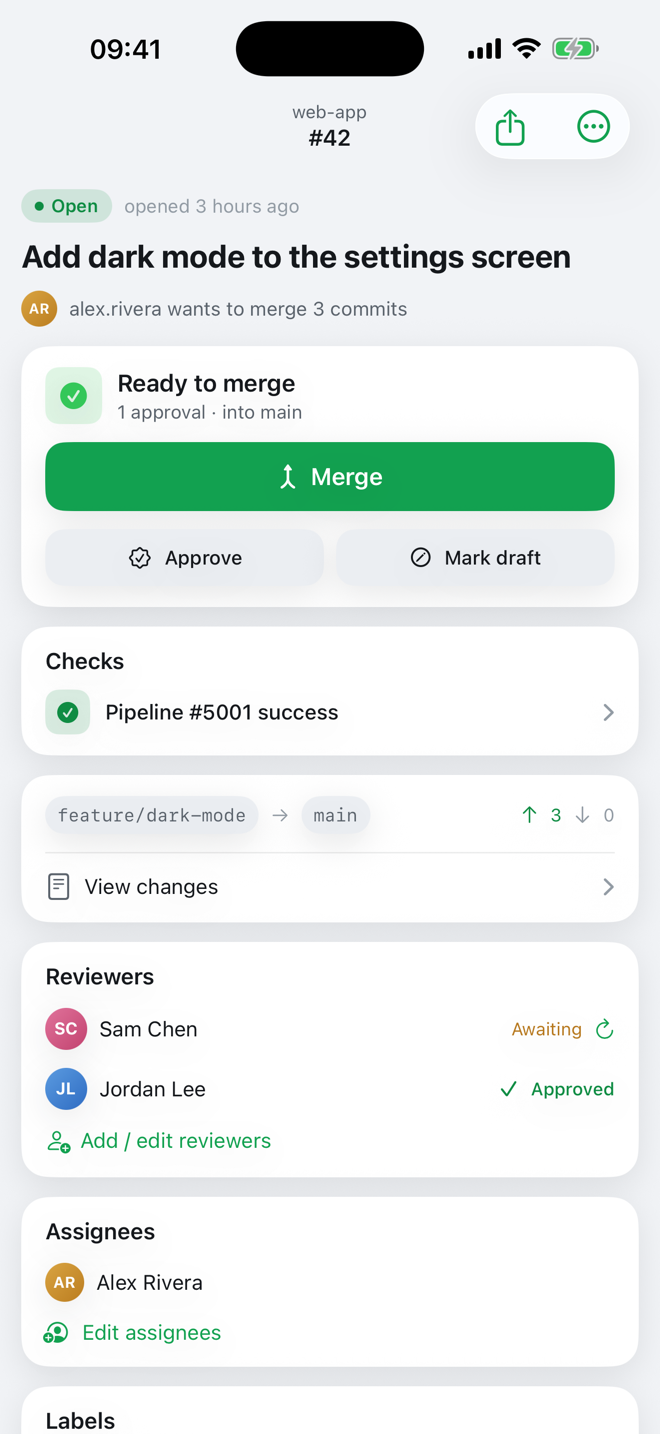
Review, approve, comment, re-request review, rebase, and merge (including merge-when-pipeline-succeeds), with diffs and threaded conversation.
Pipelines
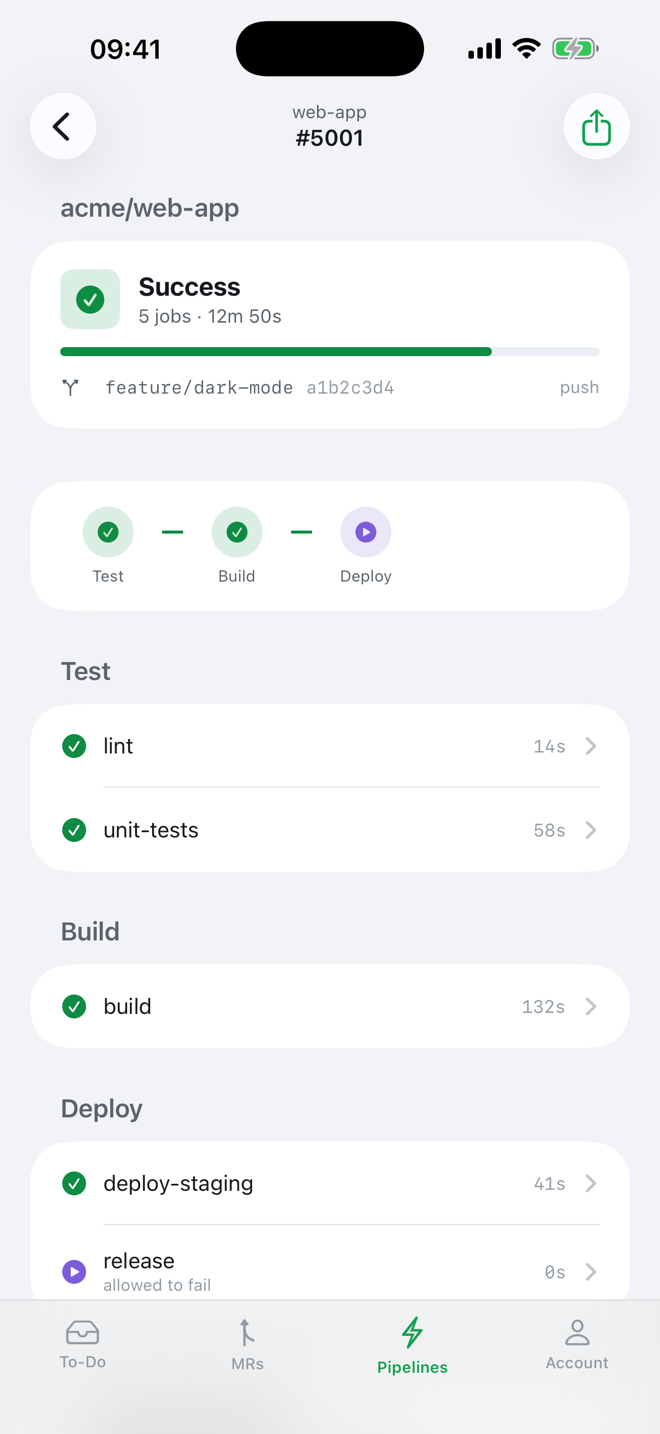
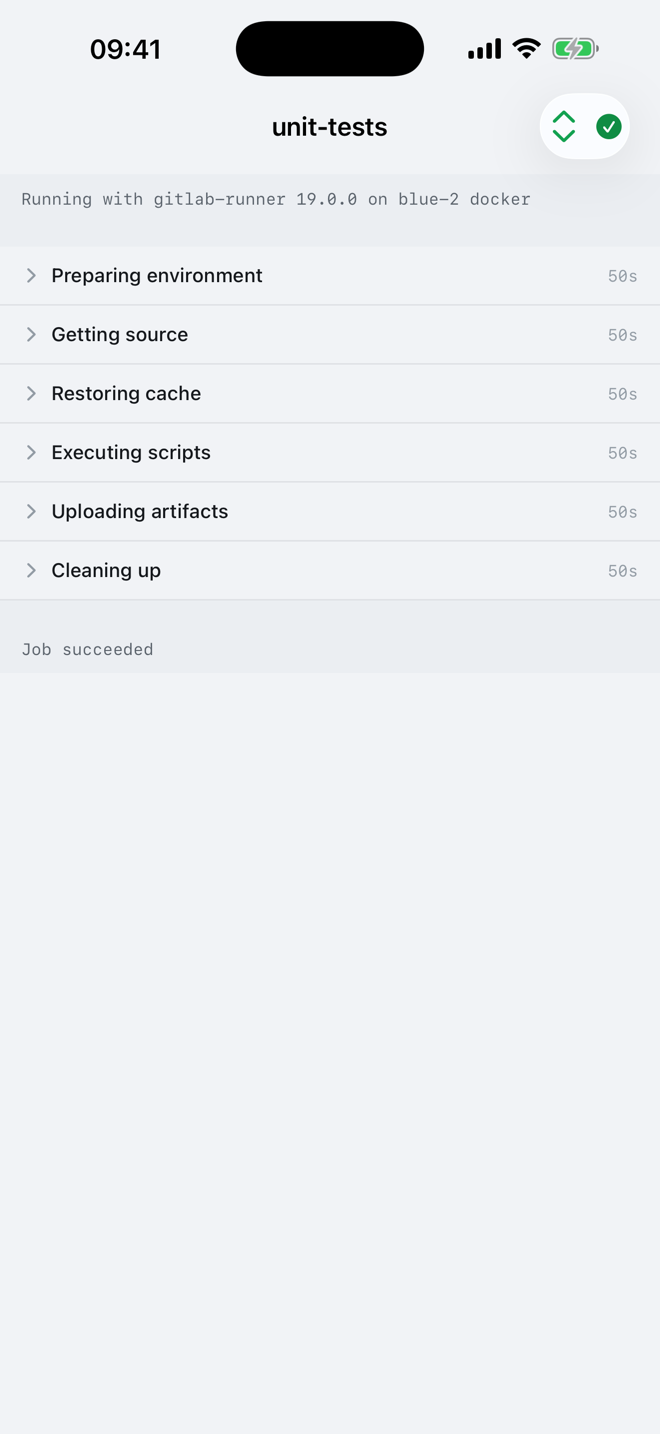
See pipelines across all your repos, by stage and job. Retry, cancel, and run pipelines, with a live-tailing job log.
Push notifications
Get told the moment a pipeline fails, recovers, or someone requests your review, with fine-grained controls and quiet hours.
To-Dos
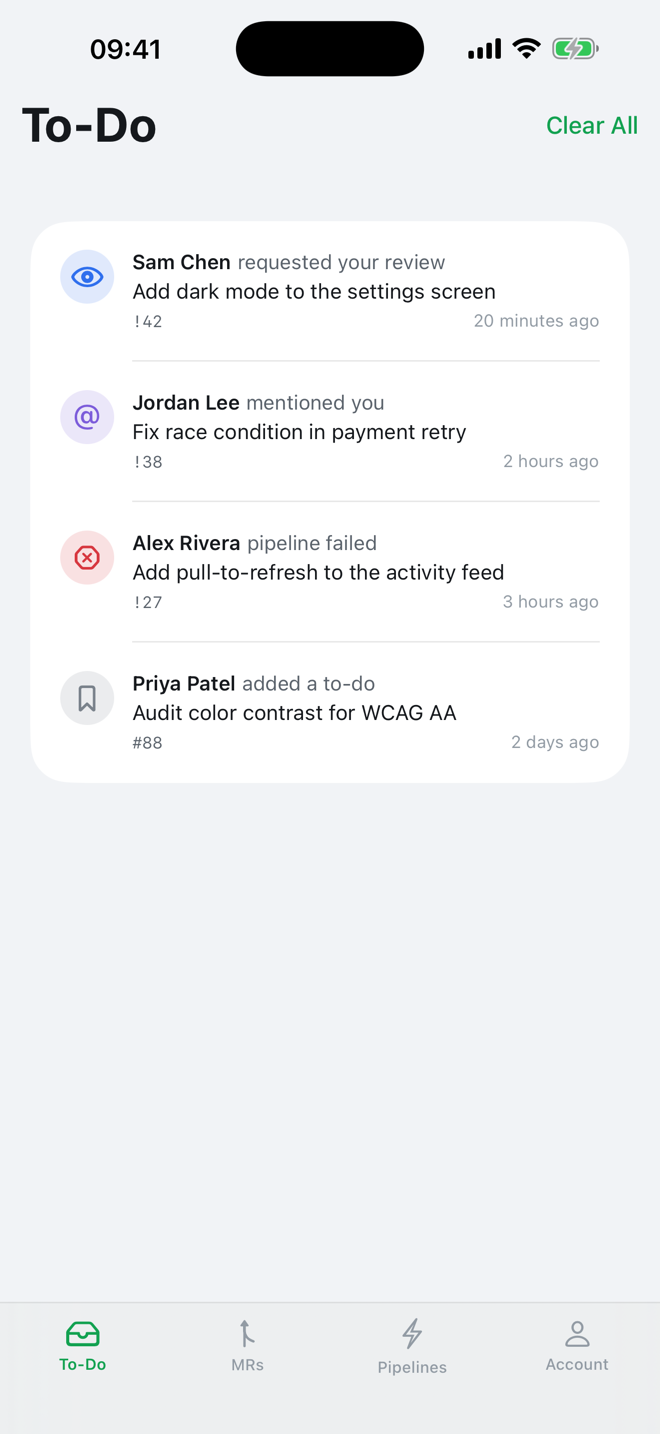
Your GitLab to-do list, front and centre. Tap straight through to the merge request or pipeline that needs you.
Private by design
Your token stays in the iOS Keychain. No analytics, no trackers, no ads. Optional Face ID lock.
Polished & native
SwiftUI throughout, light and dark mode, widgets, and a clean design that feels at home on iOS.
See it in action
Questions
Is there an official GitLab app for iPhone?
No. GitLab doesn't ship a native iPhone app. Greenlight is an independent, native iOS client for GitLab, focused on merge requests and CI/CD pipelines.
Is Greenlight free?
Yes. Greenlight is free, with no in-app purchases, no subscriptions and no ads.
How do I sign in to GitLab?
Sign in with GitLab using OAuth, or paste a personal access token. Your token is stored in the iOS Keychain and is only used to talk to GitLab.
Does Greenlight work with self-hosted GitLab?
Not yet. Greenlight works with gitlab.com today. Support for self-hosted GitLab instances is planned.
Can I get push notifications for pipelines?
Yes. Greenlight can push you the moment a pipeline fails, recovers or someone requests your review, with quiet hours and per-type controls.
Is my data private?
Yes. There are no analytics, trackers or ads. Your access token stays in the iOS Keychain, with an optional Face ID lock.